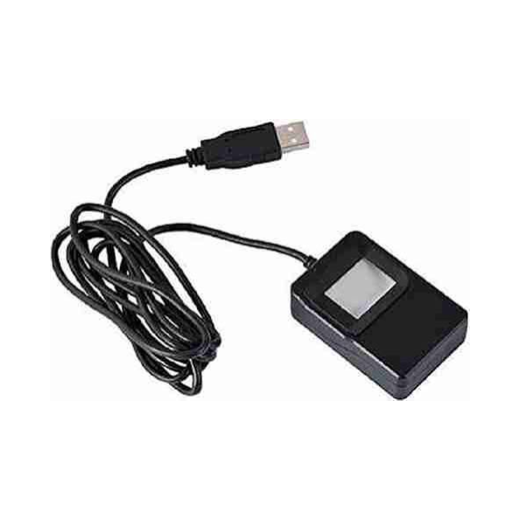
 Tatvik device image
TMF20
Tatvik TMF20 RD Service
Tatvik TMF20 / TBS biometric devices साठी RD payment, prerequisite downloads आणि support links.
Tatvik Biosystems official RD payment/download area आणि contact links एका ठिकाणी.
टीप: Amount, validity आणि eligibility official portal वर बदलू शकते. Payment करण्याआधी device serial number काळजीपूर्वक तपासा.
Renewal साठी लागणारी माहिती
- TMF20/TBS device serial number
- Windows prerequisites: Java/.NET/VC Redist
- Mobile/email
- OS and error screenshot
- RD validity or renewal requirement
Important Tips
- Tatvik downloads page वर prerequisite software आधी install करावे लागू शकते.
- Windows RD test page वर device test करा.
- Official support number/email page वरून verify करा.
Customer Guide
- Device sticker वर serial number वाचा.
- Official renewal link वर serial number टाका.
- Payment successful झाल्यावर RD service restart करा.
- Validity/status पुन्हा check करा.
Warning: Aadhaar OTP, biometrics, PID/XML data कोणालाही share करू नका.